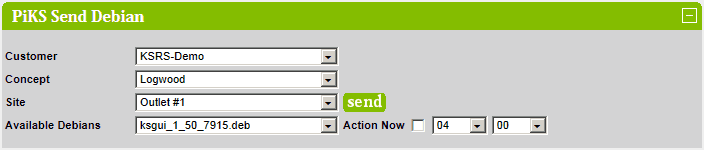
PiKS Send Debian
This section covers sending a Debian file to PiKS units.
Select the required customer, concept, site and available Debian from the dropdown lists.
Only sites that are setup as PiKS sites are listed in the Sites dropdown list.
If your site is not in the list the please contact Logwood.
Standard Debian files are shown in black. Standard Debian files are full builds created from the Ubuntu GIT repository.
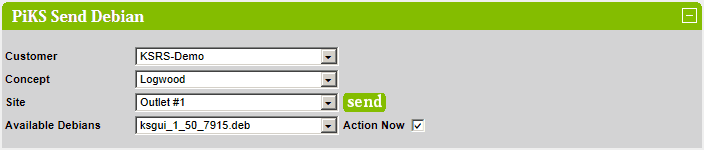
Bespoke Debian files are shown in blue. Bespoke Debian files are manually crafted builds containing specifc files.
When selected, the comment and files will be displayed.
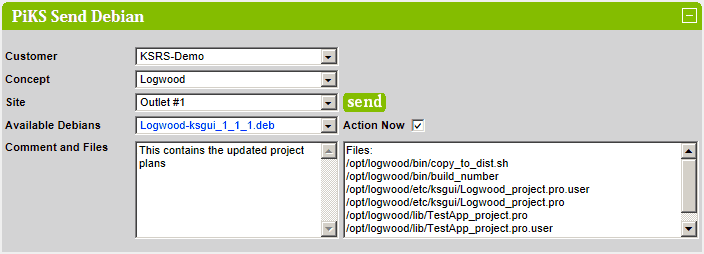
To send the selected Debian to the selected site, click on the  button (next to the site name).
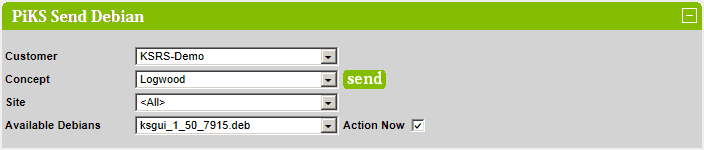
To send the selected Debian to all the sites in the concept, select <All> from the site list and click on the
button (next to the concept name).
By default, the Debian file is sent immediately. To send the Debian file a later time, uncheck the Action Now checkbox
and select the required time. The send will take place at the selected time the following day